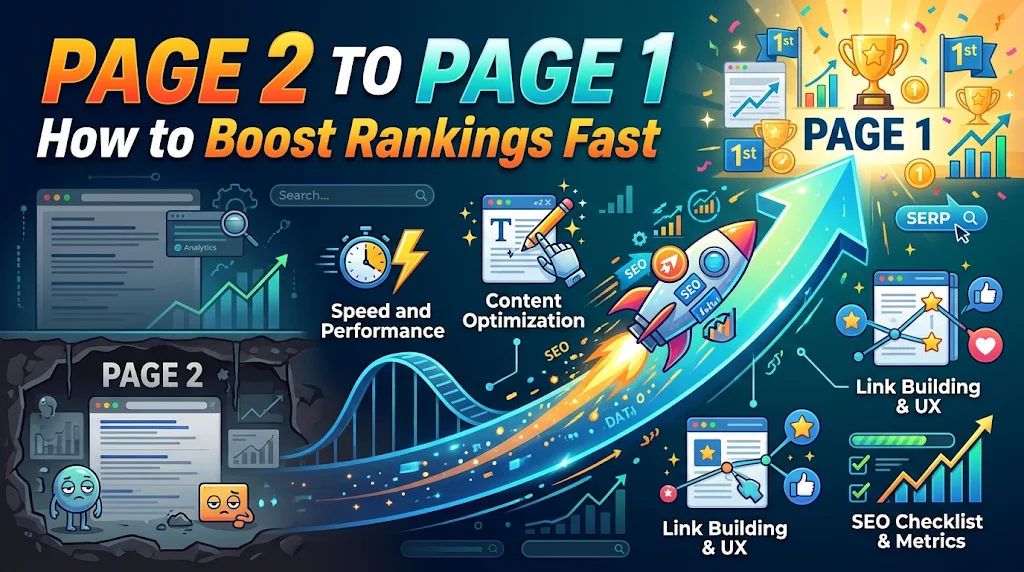
Quick answer: To move from page 2 to page 1, refresh the content, improve the title and headings, add internal links from strong pages, earn a few relevant backlinks and improve page speed. Pages in positions 11 to 20 usually need a small push, and most show movement within 3 to 6 weeks.
Pages ranking in positions 11 to 20 already have relevance. Google considers them a decent answer, just not the best one yet. That makes them the cheapest SEO opportunity on your site. Moving from page 2 to page 1 usually takes updates, not new articles, and the traffic gain can be large because almost nobody clicks on page 2.
Why moving from page 2 to page 1 pays off
A new page has to prove it deserves to rank at all. A page 2 page has already passed that test. Small improvements in depth, relevance and authority can push it past a few competitors. A jump from position 12 to position 6 can multiply clicks several times over.
Step 1: find your page 2 pages
- Open Search Console and go to Performance, then Search results.
- Click Average position and Impressions.
- Add a filter for Position, choose “Greater than” 10 and “Smaller than” 21 (the filter works on average position).
- Open the Pages tab and sort by impressions.
- Start with pages that have high impressions and a clear commercial or informational value.
Step 2: understand why you are stuck
Search the main query in an incognito window and read the top 5 results. Ask:
- Do they answer more questions than you do?
- Are they more recent?
- Do they use better examples, tables or visuals?
- Do they have stronger internal links and backlinks?
- Is their search intent different from your page?
Step 3: push the page up
- Refresh the content. Update outdated facts, add missing sections and answer related questions you find in People Also Ask. Follow Google’s guidance on helpful, people-first content.
- Improve the title and headings. Include the main keyword and a secondary keyword naturally. See Google’s tips on title links.
- Add a direct answer. Put a clear 40 to 60 word answer near the top to compete for featured snippets.
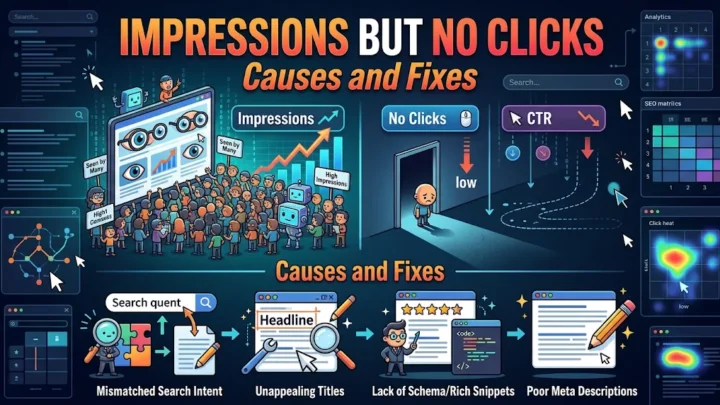
- Add internal links. Link from your strongest, most relevant pages using descriptive anchor text. For example, link from your article about impressions but no clicks.
- Earn a few relevant backlinks. Guest posts, resource mentions and digital PR from related sites are more useful than many weak links.
- Improve experience. Faster load time, readable mobile layout and no intrusive pop-ups help users stay.
- Add media. Original images, tables, short videos and step-by-step diagrams make the page more useful.
- Check cannibalization. If another page on your site targets the same query, merge or differentiate them. Read our guide on keyword cannibalization.
Prioritization table
| Page situation | Priority | First action |
|---|---|---|
| Positions 11 to 15, high impressions | Highest | Refresh content and titles |
| Positions 16 to 20, high impressions | High | Add depth and internal links |
| Positions 11 to 20, low impressions | Medium | Check keyword demand first |
| Positions above 20 | Lower | Rework intent and content |
How long does it take?
Many pages show movement within 3 to 6 weeks after meaningful updates, but competitive keywords can take longer. Re-check average position every two weeks and record the date of each change.
Mistakes to avoid
- Adding filler words to reach a word count.
- Changing the URL, which can reset signals.
- Stuffing keywords into headings.
- Building low-quality backlinks.
- Updating dozens of pages at once without tracking what worked.
Example: updating a page that ranks at position 14
Suppose a guide ranks at position 14 for its main query. The top results are longer, include a comparison table and answer three related questions that your page ignores. Your update plan could be: add a direct answer under the title, add a comparison table, add a short FAQ with those three questions, refresh statistics, add two links from related posts and rewrite the title to include a clear benefit. Then wait three to four weeks before judging.
How to track progress
Create a sheet with the page, query, starting position, changes made and date. Record average position every two weeks. Look at clicks too, because a move from position 14 to position 9 can change traffic dramatically. If a page does not move after two rounds of improvements, check whether the intent matches, whether another page on your site competes with it or whether the keyword is too competitive for your site right now.
When to rebuild instead of refresh
Refreshing works when the page has the right topic and intent. Consider a rebuild when the page is outdated, poorly structured, covers the wrong intent or has been unchanged for years. A rebuild means a new outline based on what top results cover, with the same URL kept in place so existing signals stay.
Frequently asked questions
Why is my page stuck on page 2?
Usually because competitors have deeper content, stronger internal links or more backlinks. Your page is relevant but not yet the best answer.
How long does it take to reach page 1?
Typically 3 to 6 weeks after meaningful updates, though competitive keywords can take longer.
Do backlinks matter for page 2 pages?
A few relevant backlinks can help, but start with content depth, internal links and title optimization, which are faster and cheaper.
Conclusion
Moving from page 2 to page 1 is mostly about being slightly more helpful than the pages above you. Find your positions 11 to 20 pages, learn what the top results do better, then refresh, link and promote. It is faster and cheaper than writing new content.