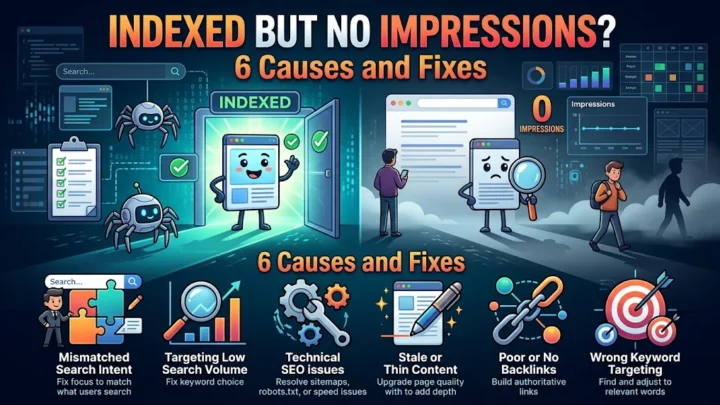
Quick answer: When impressions dropped suddenly, the cause is usually a reporting delay, seasonality, an algorithm update, a technical error, lost rankings, a manual action or a site change. Check errors and manual actions in Search Console first, then compare queries and pages for the last 28 days against the previous period.
A sharp drop in impressions can feel like an emergency, but not every drop is a penalty. Before you rewrite anything, find out what actually changed. This checklist walks through seven common causes in the order that saves the most time, and tells you what to do about each one.
Step 0: confirm the drop is real
Search Console data can lag by two to three days, and the most recent days are often incomplete. Compare full 28-day periods rather than single days. Open Performance, choose “Compare” and select the last 28 days against the previous 28 days. The Performance report guide explains the metrics.
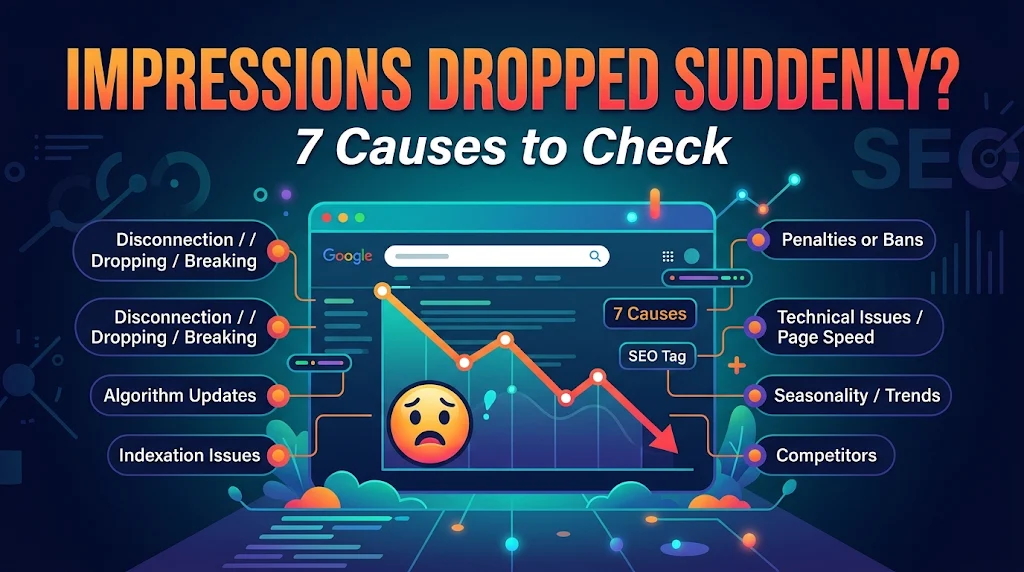
7 causes when impressions dropped
1. Reporting delay or data change. Recent days may be incomplete, and occasional data updates can shift numbers slightly. Wait two to three days before reacting.
2. Seasonality. Many topics rise and fall during the year. Compare with the same period last year, not only the last month.
3. A Google algorithm update. Check whether your drop matches the dates of a core update. Google lists them on the core updates page and the Search Status Dashboard.
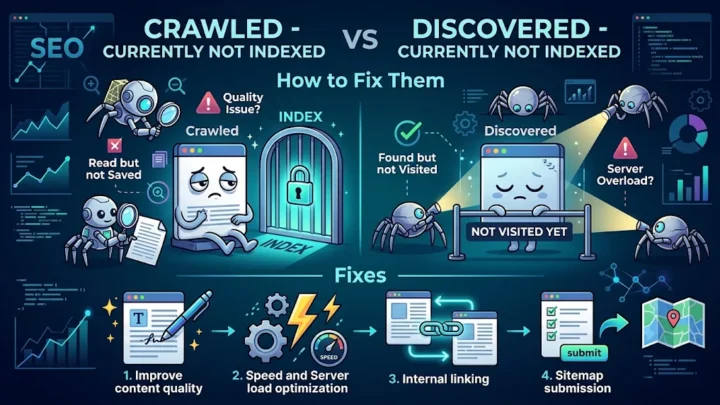
4. Technical problems. Look for server errors, accidental noindex tags, robots.txt blocks, broken redirects or pages removed from the sitemap. Open the Page indexing report and look for sudden spikes in errors.
5. Lost rankings. Find which queries and pages lost impressions and whether competitors replaced you. A page that fell from position 4 to 14 loses most of its impressions.
6. A manual action. Open Security and Manual Actions in Search Console. If a penalty exists, Google describes it in the Manual Actions report.
7. Site changes. Migrations, redesigns, plugin changes or URL changes often cause temporary drops, especially if redirects were missed.
How to find which pages lost impressions
- Compare the two 28-day periods in Performance.
- Open the Pages tab and sort the change in impressions from lowest to highest.
- Click the top losers and open their Queries tab.
- Check if the lost queries are important or only low-value variants.
- Open the page in Google, search the main query and see who ranks now.
Cause and action table
| Cause | How to confirm | What to do |
|---|---|---|
| Reporting delay | Only last 2 to 3 days look low | Wait and recheck |
| Seasonality | Same dip last year | Plan content for peaks |
| Algorithm update | Drop matches update date | Improve content quality, no quick hacks |
| Technical error | Errors in Page indexing | Fix and request validation |
| Lost rankings | Position increased on key queries | Update and strengthen pages |
| Manual action | Message in Manual Actions | Fix issue, request reconsideration |
| Site change | Drop follows a launch | Check redirects, canonicals, sitemap |
How to recover
- Technical issues: fix them first. Recovery is often fast once crawlers can access the pages again.
- Algorithm related drops: improve usefulness, originality and experience on affected pages. Recovery can take weeks to months, often after a later update.
- Lost rankings: refresh content, improve titles and add internal links. Our guide on moving from page 2 to page 1 shows the process.
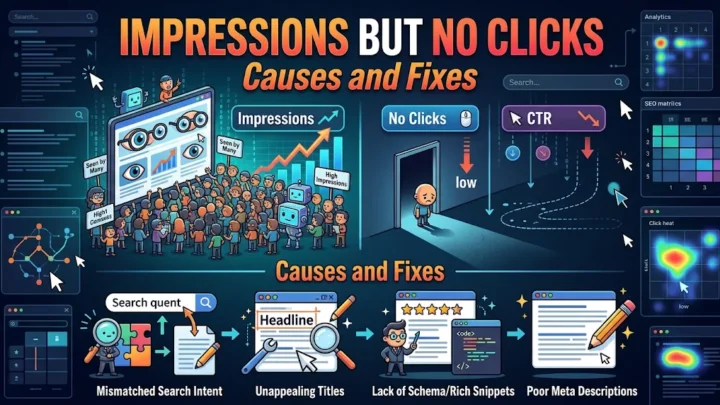
- Click problems rather than impression problems: if impressions are stable but clicks fell, read about low CTR despite high impressions.
Mistakes to avoid after a drop
- Making many changes at once, so you cannot learn what helped.
- Deleting pages in panic.
- Blaming an update without checking technical errors.
- Ignoring the possibility that your tracking or property setup changed.
A 15 minute triage routine
- Open Search Console and confirm the property shows the same data as before, with no change in verification or domain version.
- Compare 28 days with the previous 28 days and note the percentage change in impressions, clicks and position.
- Check Manual Actions and Security Issues.
- Open the Page indexing report and look for new errors.
- Test two or three important URLs in the URL Inspection tool.
- Search your main query in Google and see whether competitors or new SERP features took your place.
If none of these steps shows a problem, the cause is likely seasonality or a ranking change, which you can investigate by page and query.
Recovery timeline: what to expect
Technical fixes, such as removing an accidental noindex tag or repairing redirects, often show recovery within days to a couple of weeks once Google recrawls the pages. If impressions dropped because of lost rankings, expect 4 to 8 weeks of improvements before positions move. For algorithm related changes, recovery can take longer and often depends on continued quality improvements rather than a single fix.
Tools that help
- Google Search Console: the main source for impressions, queries, pages and errors.
- Google Trends: shows whether interest in a topic fell, which points to seasonality.
- Server logs and uptime monitoring: reveal outages or crawl errors.
- A rank tracker: helps confirm which queries lost positions.
- Change log: a simple document of every site change, so you can match dates with drops.
A good change log is the cheapest habit in SEO. When impressions dropped, you can look back and see that a theme update, a plugin change or a redirect edit happened on the same day.
Frequently asked questions
How long can impressions stay low after a drop?
Algorithm related drops often take weeks to months to recover, while technical issues usually recover within days to weeks after being fixed.
How do I know if it was an algorithm update?
Compare your drop date with Google’s announced update dates in the Search Status Dashboard, and check whether competitors lost rankings at the same time.
Can a manual action cause the drop?
Yes. Check Security and Manual Actions in Search Console. If a penalty exists, fix the issue and submit a reconsideration request.
Conclusion
When impressions dropped suddenly, work through the checklist in order: confirm the data, rule out seasonality, check updates and technical errors, then inspect rankings and manual actions. A calm, ordered diagnosis finds the cause faster than rewriting pages at random.