Quick answer: Indexed but no impressions means Google has stored your page but is not showing it for any search. The usual causes are thin content, mismatched search intent, missing internal links, canonical conflicts and a brand new page. Fix those five things, then re-check Search Console after 2 to 4 weeks.
If your page is indexed but no impressions appear in Google Search Console, you are in good company. It is a very common problem, and it confuses almost everyone the first time they see it. The report says “Indexed”, so you expect traffic, yet the Performance report stays empty. Google never explains exactly why, so you have to diagnose it yourself. This guide shows you how, and it works without paid tools or paid links.
What indexed and impressions actually mean
Indexed means Google has crawled your page, understood it and stored it in its database. It does not mean Google will show it. Think of a library: a book on the shelf is indexed, but if nobody ever asks for that topic, nobody borrows it.
An impression is counted when your link appears on a results page that a real person loads. If your page ranks at position 85, almost nobody reaches that page of results, so it earns no impressions. That is why indexed pages not showing in Google is almost always a ranking problem, not an indexing problem. You can read Google’s own explanation in the Page indexing report documentation and the Performance report guide.
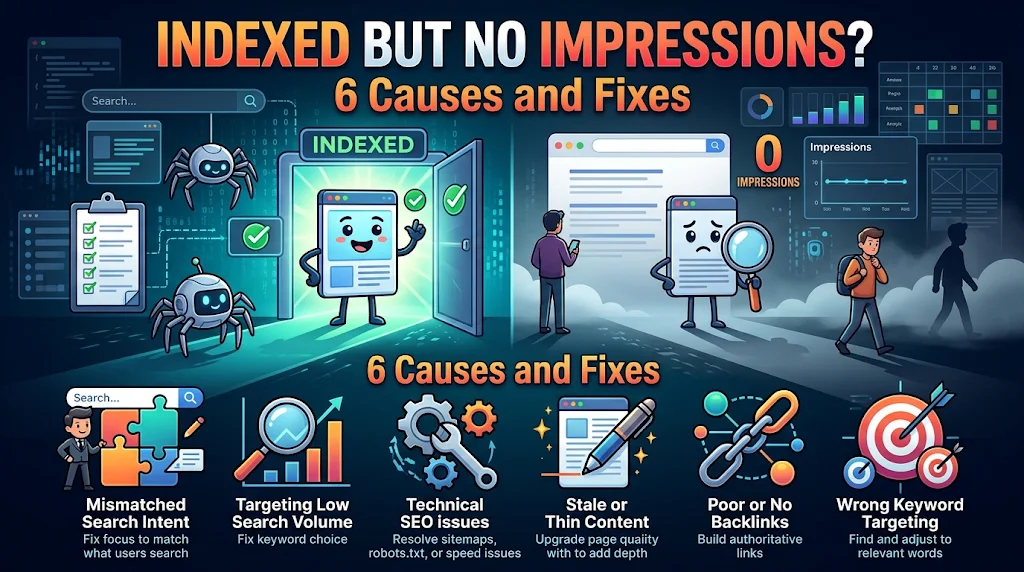
Why you see indexed but no impressions: 6 causes
1. The page ranks too low to be seen. Google may place the page so deep in the results (position 60, 80 or 100) that no searcher scrolls that far. The page is in the index, but it is effectively invisible.
2. The content is thin or repeats what others say. If your page has a few short paragraphs and nothing a competitor does not already offer, Google has no reason to rank it. Google’s guidance on helpful, people-first content asks whether the page adds original value. Pages under roughly 300 words with no examples, data or experience are the most common victims.
3. The page targets no real search intent. A page titled “Our Services Overview” matches almost no query anyone types. If you did not choose a keyword people actually search, there is nothing for Google to match.
4. The page has no internal links. A page with no links from other pages is an orphan. Internal links tell Google which pages matter and help it understand context.
5. The page is brand new. New URLs often need a few days to several weeks before Google decides where to rank them. Check the publish date before you worry.
6. Google picked another URL as canonical. If you have near-duplicate pages, Google may index one and show it instead of yours. Read how canonical URLs work to avoid this.
How to diagnose indexed but no impressions in 10 minutes
- Open URL Inspection in Search Console and paste the page URL. Confirm the status says the URL is on Google and check that the user-declared canonical and Google-selected canonical match. See the URL Inspection tool guide.
- Check Performance for the page. Set the date range to the last 3 months and filter by the page URL. If you see zero queries at all, the page is not ranking anywhere meaningful.
- Search site:servigate.com plus your keyword in Google. If the page appears there but not in a normal search, it is a ranking problem.
- Look at the top 5 results for your keyword and compare format, depth and angle with your page.
- Count internal links. If fewer than three pages link to it, that is a likely cause.
Symptom and fix table
| What you see | Most likely cause | Best fix |
|---|---|---|
| Indexed, page is under 4 weeks old | Too new | Add internal links and wait |
| Indexed, under 300 words | Thin content | Expand with examples, data and FAQs |
| Indexed, different URL shows in site: search | Canonical conflict | Merge or canonicalize duplicates |
| Indexed, no links from other pages | Orphan page | Add 3 to 5 contextual links |
| Indexed, title is generic | No keyword match | Rewrite title and H1 around a real query |
How to fix it step by step
- Pick one primary keyword that people actually search and that matches the page. Use the Search Console query report, Google autocomplete and People Also Ask for ideas.
- Rewrite the title and H1. Put the keyword near the start. Example: change “Our Services Overview” to “Website Maintenance Services for Small Businesses”.
- Match search intent. If the top results are step-by-step guides, do not publish a sales page.
- Expand the content. Add real examples, screenshots, a short FAQ and a clear answer in the first paragraph. Aim to be the most helpful page, not the longest.
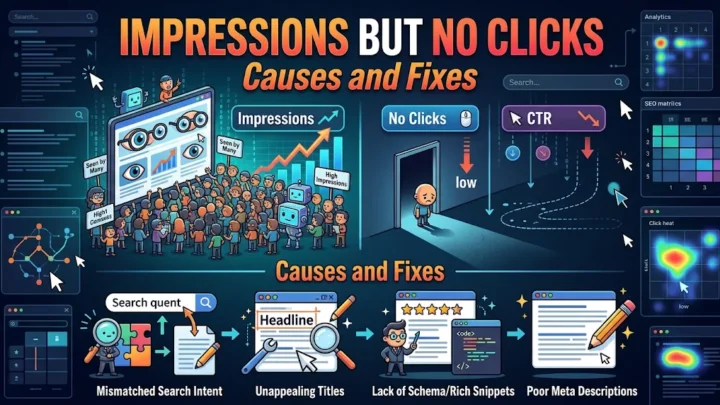
- Add 3 to 5 internal links from your strongest pages using descriptive anchor text. For example, link from your guide on pages that get impressions but no clicks.
- Fix duplicates. Merge near-identical pages and use a 301 redirect, or set a canonical tag.
- Include the URL in your XML sitemap and request indexing once after major updates. Google explains how in its sitemap overview.
- Wait and measure. Give Google 2 to 4 weeks, then compare impressions for the page.
Common mistakes to avoid
- Requesting indexing again and again. It does not improve ranking.
- Adding more words without adding more value.
- Targeting a keyword so competitive that a new page cannot compete. Start with specific, lower-competition phrases.
- Changing the URL after publishing, which resets signals.
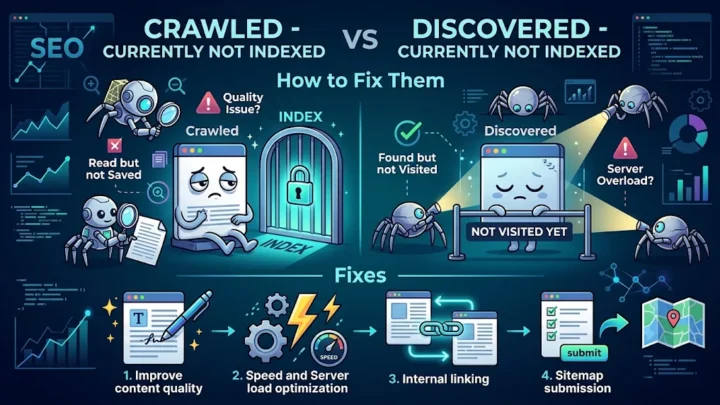
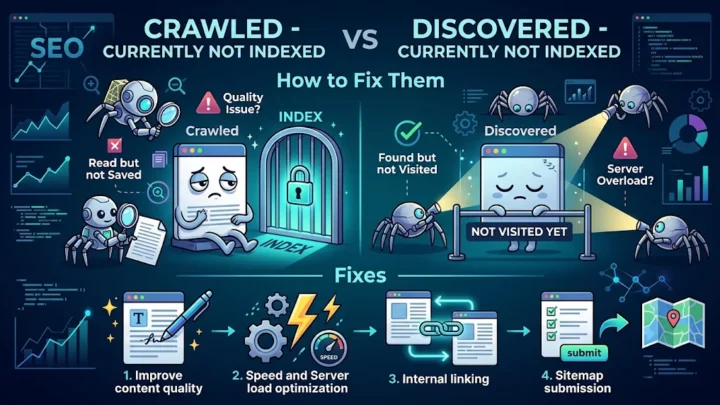
If the page is indexed but stuck for longer, also check whether other pages show the status crawled currently not indexed, which points to a site-wide quality problem.
Frequently asked questions
What does indexed but no impressions mean?
It means Google has stored your page but is not showing it in search results for any query. The page may rank too low to be seen, or it may not match any real search intent.
How long does it take for an indexed page to get impressions?
New pages usually need 2 to 6 weeks to start earning impressions. Pages with strong content, internal links and a clear keyword target tend to start earlier than isolated pages.
Does requesting indexing again help?
No. Once a page is indexed, repeated requests do not improve visibility. Improve content quality, search intent match and internal links instead.
Can a page rank without any backlinks?
Yes, especially for low-competition keywords. Strong content and good internal linking can be enough, though backlinks help in competitive niches.
Conclusion
Indexed but no impressions is a visibility problem, not an indexing error. Fix search intent, content depth, internal links and canonical signals, and impressions usually follow. Once impressions arrive, move on to improving your click-through rate.