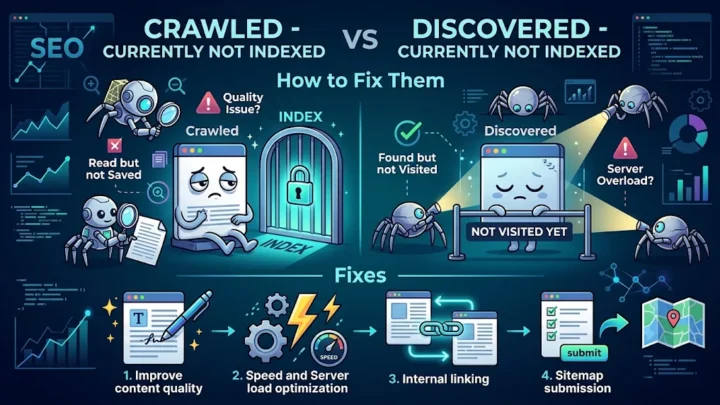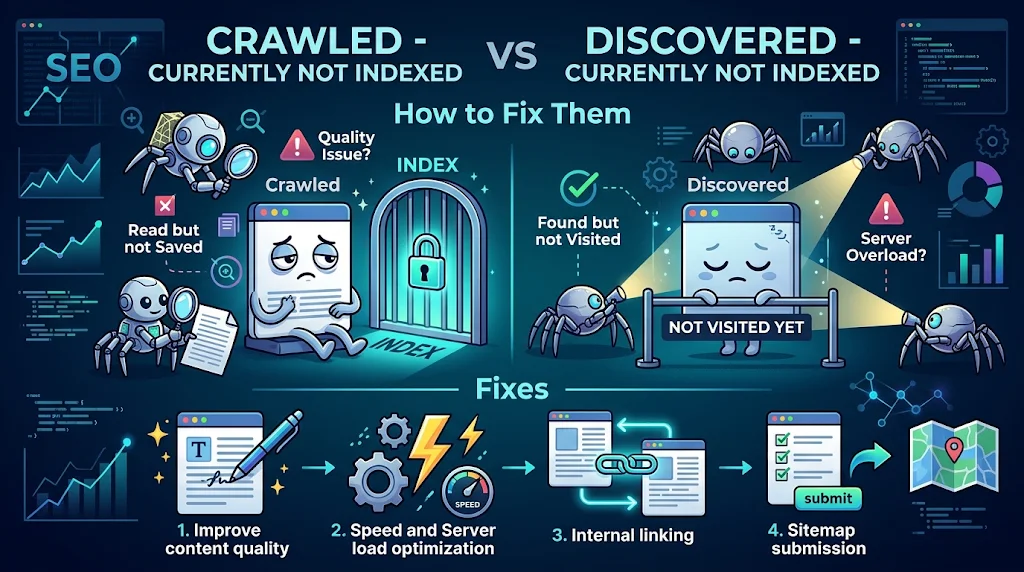
Quick answer: Crawled currently not indexed means Google visited your page and chose not to store it, usually because of low quality or duplication. Discovered currently not indexed means Google knows the URL but has not visited it yet. Fix content quality for the first status and crawl priority for the second.
Two statuses in the Search Console Page indexing report worry site owners more than any others: “Crawled – currently not indexed” and “Discovered – currently not indexed”. They sound alike, but they point to different problems, so the fix is different too. If you treat them the same way, you can waste weeks. This guide explains each status, how to diagnose it and what to do next.
What crawled currently not indexed means
When a page shows crawled currently not indexed, Googlebot visited the URL, read the content and decided not to add it to the index for now. This is not a penalty. It is a quality or value decision. The page may be too similar to others, too thin or not useful enough compared with what already exists.
What discovered currently not indexed means
With discovered currently not indexed, Google found the URL (from a sitemap or a link) but has not crawled it yet. Google may have postponed crawling to avoid overloading your server, or it may consider the site or section low priority. Google’s guide to managing crawl budget explains how crawl demand and capacity work.
Side by side comparison
| Crawled status | Discovered status | |
|---|---|---|
| Did Google visit the page? | Yes | No |
| Main problem | Content quality or duplication | Crawl priority or server capacity |
| First fix | Improve or merge the content | Add internal links, improve speed |
| Typical wait | Weeks after improvements | Days to months |
Causes of crawled currently not indexed
- Thin content with little unique value.
- Duplicate or near-duplicate pages, such as tag archives or filtered URLs.
- Pages that answer a question better served by an existing page.
- Weak internal linking, so the page looks unimportant.
- Accidental noindex tags or soft 404 behavior.
- A site-wide quality signal pulling down new content.
How to fix the Crawled status
- Inspect the URL with the URL Inspection tool and read the rendered HTML to confirm the content loads.
- Check for noindex in the HTML and HTTP headers.
- Add unique value. Include original examples, data, images or expert insight. Read Google’s advice on helpful content.
- Merge similar pages into one stronger page and 301 redirect the others.
- Add 3 to 5 internal links from relevant, already indexed pages.
- Request indexing once after the improvements, not repeatedly.
How to fix discovered currently not indexed
- Improve server speed. Slow or error-prone servers reduce crawl capacity.
- Link to the page from your homepage, hub pages and related articles so Google sees it as important.
- Clean your sitemap. Remove low-value, redirected and non-canonical URLs. Learn how in the sitemap overview.
- Reduce URL clutter such as endless filters, parameters and thin archives.
- Build overall site quality, because crawl demand follows how useful Google considers the site.
What not to do
- Do not click Request indexing every day. It does not speed things up.
- Do not delete pages that have value just because they are not indexed yet.
- Do not publish dozens of similar pages to “cover” keywords.
How long does it take?
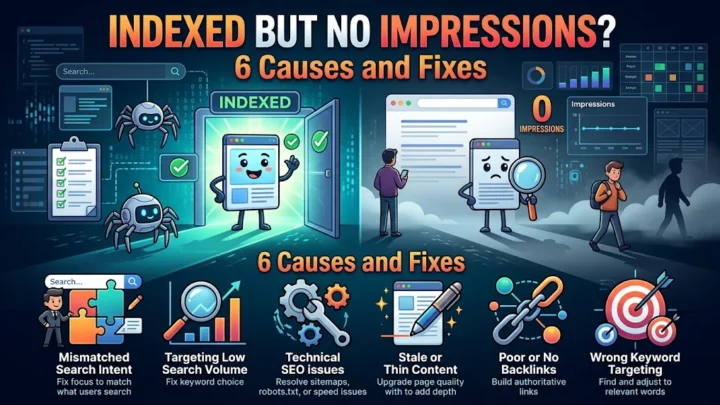
After real improvements, many pages get indexed within 2 to 6 weeks, but large or low-authority sites can wait longer. If a page is indexed but gets no visibility, read our guide on indexed but no impressions for the next step.
How to read the Page indexing report
Open Search Console, choose Pages under Indexing and scroll to “Why pages aren’t indexed”. Click each reason to see example URLs. Look at patterns: are the affected URLs all blog posts, all product filters or all pages created in the same month? Patterns point to the root cause far faster than inspecting single pages. Use the validation feature after you fix an issue so Google rechecks the affected group.
Examples of pages that often stay unindexed
- Tag, category and author archives with little original text.
- Product pages that only differ by size or colour with identical descriptions.
- Programmatically generated pages with templated content.
- Short posts that restate what a stronger page on your site already covers.
- Old pages with no internal links and no traffic.
A practical checklist
- Group the affected URLs by type.
- Decide for each group whether the page deserves to exist.
- Improve, merge or remove with a 301 redirect or noindex, as appropriate.
- Add internal links to the pages you keep.
- Update the sitemap so it lists only indexable, canonical pages.
- Validate the fix in Search Console and recheck in 2 to 4 weeks.
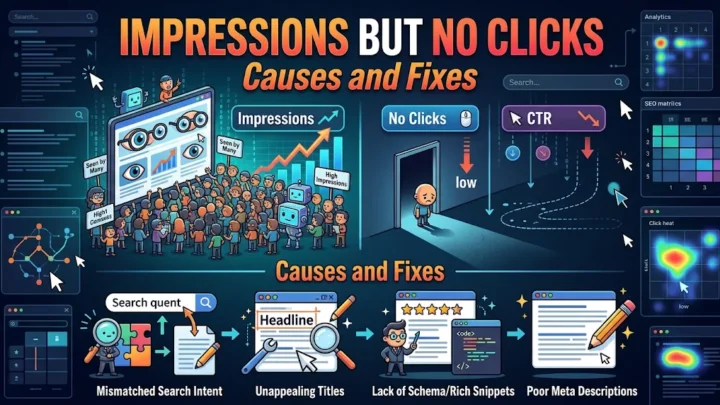
After pages are indexed, track whether they earn visibility. If drops appear later, our checklist on impressions that dropped suddenly helps you find the cause.
Frequently asked questions
Is crawled, currently not indexed a penalty?
No. It is a quality or priority decision, not a penalty. Google saw the page and judged it not valuable enough to store yet.
How long does discovered, currently not indexed last?
It can last from a few days to several months, depending on your site’s crawl demand, server speed and overall quality.
Should I delete pages that stay unindexed?
Only if they have no value. Otherwise improve them, merge them with a stronger page or add internal links first.
Conclusion
The Crawled status is a content quality problem, while discovered currently not indexed is a crawl priority problem. Diagnose which one you have, fix it with the matching steps and avoid repeated indexing requests. Quality, internal links and a clean sitemap solve most cases.