Minimalist Security Powerhouse
Windows Security has come a long way, leaving many PC users wondering if paying for a third-party antivirus is still necessary. However, built-in defenses often struggle against sophisticated, modern threats like zero-day exploits and ransomware.
Enter Norton AntiVirus Plus. Positioned as Norton’s entry-level, streamlined security suite, this plan strips away the bulky add-ons of the “360” line (like heavy identity theft packages or standalone VPNs) to focus entirely on core device protection.
Let’s dive into our detailed review to see if Norton AntiVirus Plus delivers enough value to earn a spot on your Windows machine.
Core Features Breakdown
While Norton AntiVirus Plus is built for digital minimalists, it is far from barebones. It delivers high-tier security features usually reserved for premium suites.
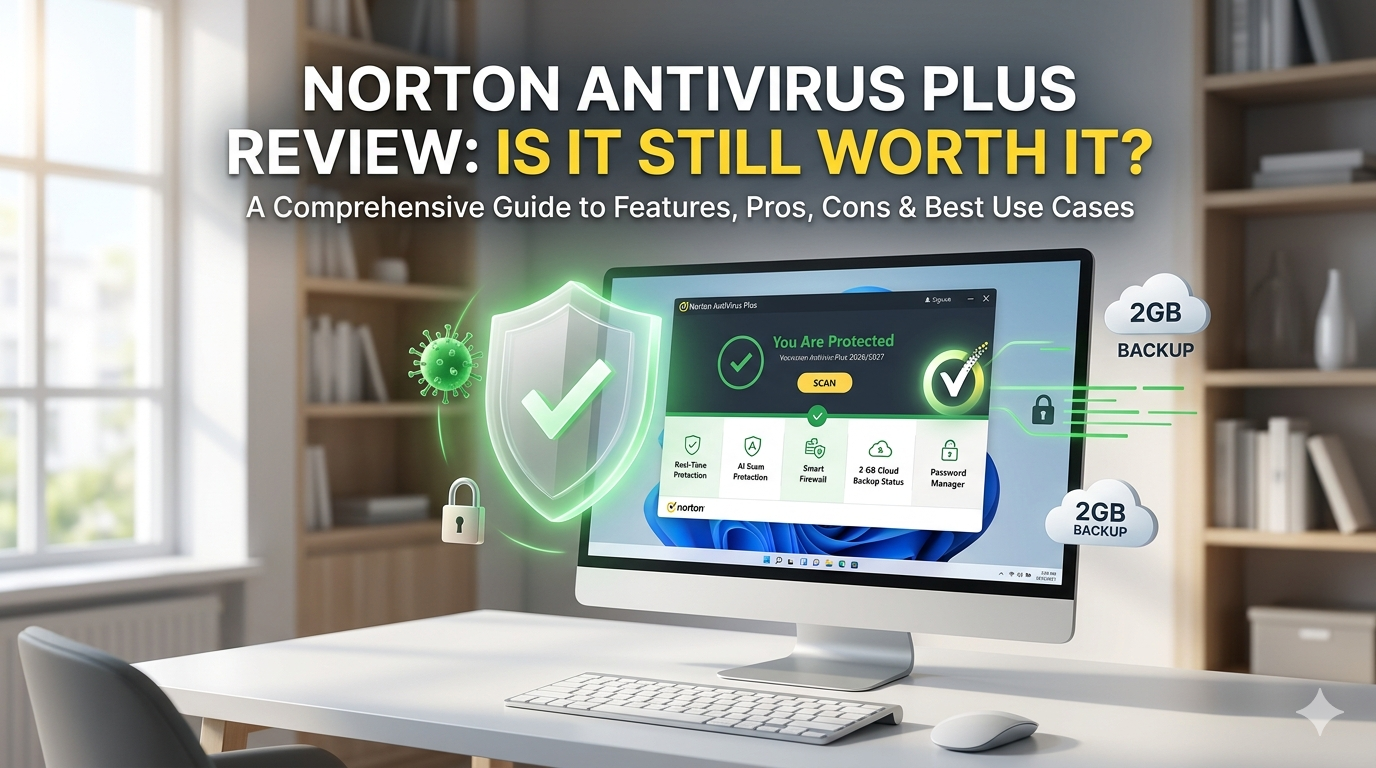
1. The Real-Time Engine & AI Scam Protection
Powered by Gen Digital’s unified technology stack, Norton’s scanning engine uses advanced heuristics and behavioral monitoring to identify threats before they execute. Its cloud-based detection catches malware files instantly, while integrated AI Scam Protection proactively blocks malicious web scripts and deceptive phishing links.
2. Smart Firewall
Unlike the passive Windows firewall, Norton’s Smart Firewall monitors both inbound and outbound network traffic. It actively blocks unauthorized intrusion attempts and alerts you if a program tries to leak data to a suspicious external server.
3. Integrated Backup & Passwords
You get 2 GB of secure PC Cloud Backup, engineered specifically to insulate text documents and critical files against ransomware attacks. Additionally, it includes a robust, fully featured standalone Password Manager browser extension to keep your credentials locked down.
Pros & Cons
Like any software utility, Norton AntiVirus Plus has its distinct advantages and drawbacks.
Pros
- Flawless Protection Rates: Consistently earns perfect scores in independent lab evaluations (like AV-TEST) for zero-day and widespread malware.
- Intelligent Network Control: The Smart Firewall manages web threats with minimal user configuration required.
- Extra Utilities Included: Bundles a reliable password manager and cloud backup instead of just a basic scanner.
- Flexible Licensing: Now offers multi-device tier options if you want to scale up from a single machine.
Cons
- System Resource Footprint: Scans can heavily leverage CPU and RAM on older or lower-spec Windows machines.
- Interface Fragmentation: Tweaking advanced configurations requires toggling between the modern dashboard and the legacy “Classic” settings menu.
- In-App Upselling: The application occasionally displays notifications prompting you to upgrade to higher-tier suites.
Best Use Case: Who Is It For?
Norton AntiVirus Plus is ideal for “Digital Minimalists” and Single-Device Power Users.
If you only need to secure a single primary Windows desktop or laptop and already have your own preferred VPN, this plan hits the sweet spot. It provides elite-tier malware defense and ransomware protection without forcing you to pay for redundant storage or identity monitoring services you won’t use.
Premium Security vs. Everyday Protection
How does the entry-level Plus plan stack up against the more expensive Norton 360 Standard?
| Feature | Norton AntiVirus Plus | Norton 360 Standard |
| Base Device Limit | 1 Device | 1 to 3 Devices |
| Cloud Backup Space | 2 GB | 10 GB |
| Secure VPN | No | Yes |
| Dark Web Monitoring | No | Yes |
| AI Scam Protection | Yes | Yes |
Secure Purchase & Download Links
To ensure you get the safest installation file and official customer support guarantees, always use the authentic platform links below.
- Official Product Page: Purchase Norton AntiVirus Plus Plans
- Secure Software Acquisition: Download and Manage Your Norton Subscriptions
Note: Introductory pricing starts at $29.99 for the first year, backed by Norton’s 60-day money-back guarantee and their 100% Virus Protection Promise.
The Verdict
Norton AntiVirus Plus successfully cuts through the digital noise. It delivers heavy-duty protection within a lightweight framework, making it a reliable insurance policy for your data. While the UI structure has minor quirks and the background scans require decent PC hardware, the underlying defense system remains one of the strongest available for Windows.
Looking for an alternate?
read detailed review about AVG AntiVirus and Avast Antivirus